The Insta360 Ace Pro 2 is the action camera that made me slow down
Who would have guessed?
Disclosure: This post contains affiliate links, which means I may earn from qualifying purchases.
Over the years, I’ve developed a real affinity for action cameras—especially GoPros. Every time I pack one for a trip or take it out for a weekend, I come away impressed by how versatile they've become. Yet, despite reviewing DJI's Osmo Action 3 and generations of GoPros, I had never actually touched an Insta360 camera until a few weeks ago.
So when Insta360 reached out and asked if I’d like to test the Insta360 Ace Pro 2, I couldn’t say no. I'd seen a few people use it, not as an action camera, but as a regular camera to take photographs.
I knew I had a trip to Boston on the schedule, so I figured it’d be the perfect opportunity to put it to the test.
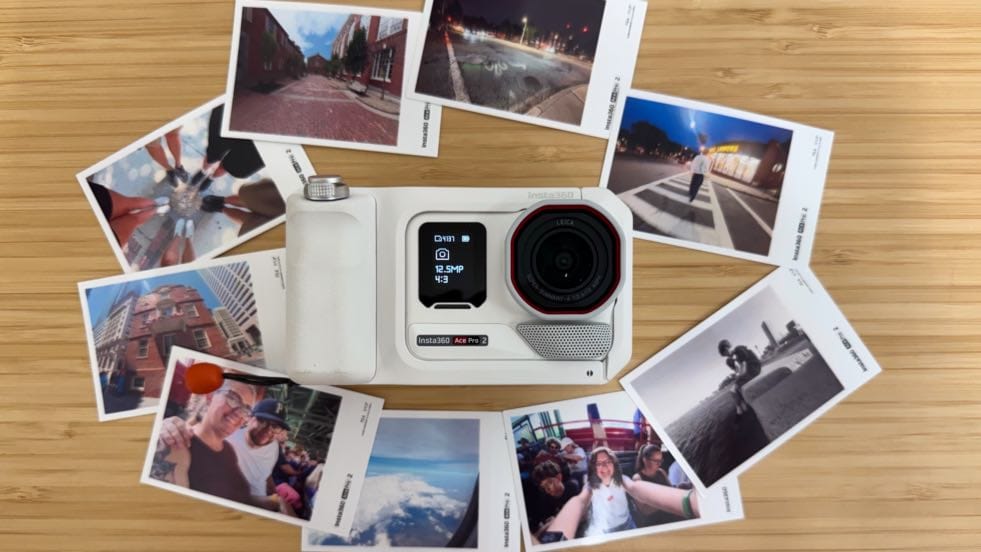
I was sent the Limited Edition Insta360 Ace Pro 2 Arctic White Flash Print bundle. It includes an Ace Pro 2, an Xplorer Pro Grip, a flip screen hood, a portable pocket printer, and a leather case that it all fits into nicely.
After unboxing, charging and setting up the Ace Pro 2 and all its accessories, I was ready for our trip.
I started off by taking random pics in the airport, trying to learn my way around the Ace Pro 2. I took a picture of my kids waiting at the gate. I tried taking a selfie that came out completely blurry. I was annoyed by the lack of the front display doubling as a viewfinder.
On the plane, I watched YouTube tutorials suggesting the best settings for the Ace Pro 2's photography mode. I made adjustments as they were suggested, and I snapped a few more pics of my kids on the plane.
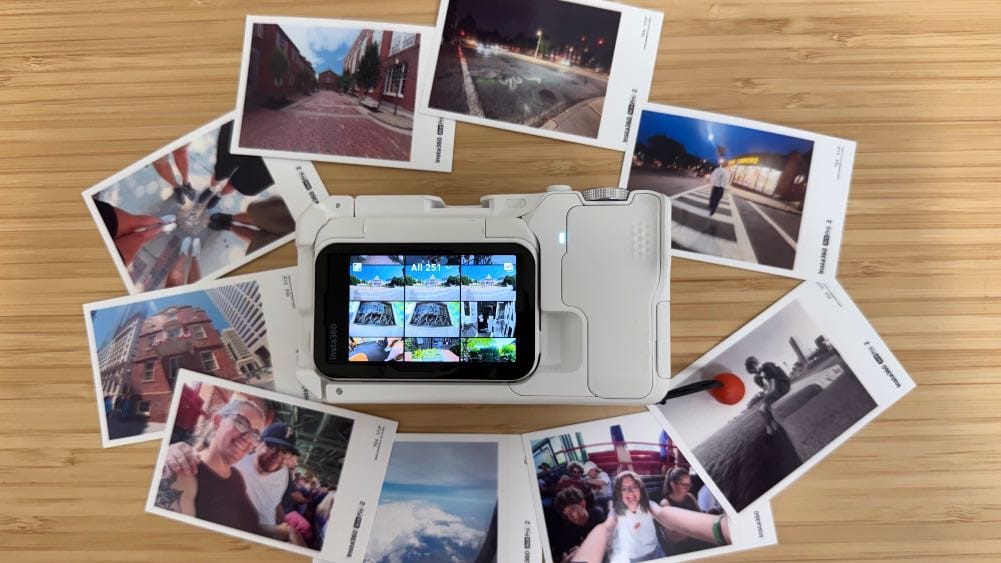
After we got checked in to our hotel, we walked a mile to a nearby restaurant for dinner. Along the way, I took a bunch of random pics. At dinner, I remembered that the back screen can rotate, so I flipped it up and took a couple selfies of my family and me at the table. The lack of a front viewfinder on the Ace Pro 2 is actually a non-issue, and in fact, the flip up screen is so much better than the tiny screen on a GoPro.
It was dark on the walk back to the hotel, but I kept snapping, reviewing, and then sometimes retaking photos along the way. I quickly learned that it was far too easy to take blurry pictures with the Ace Pro 2. I couldn't, for example, wake the camera and press the shutter button to take a picture without breaking my stride like I can on a phone.
Here are some of the blurry shots I thought I nailed:


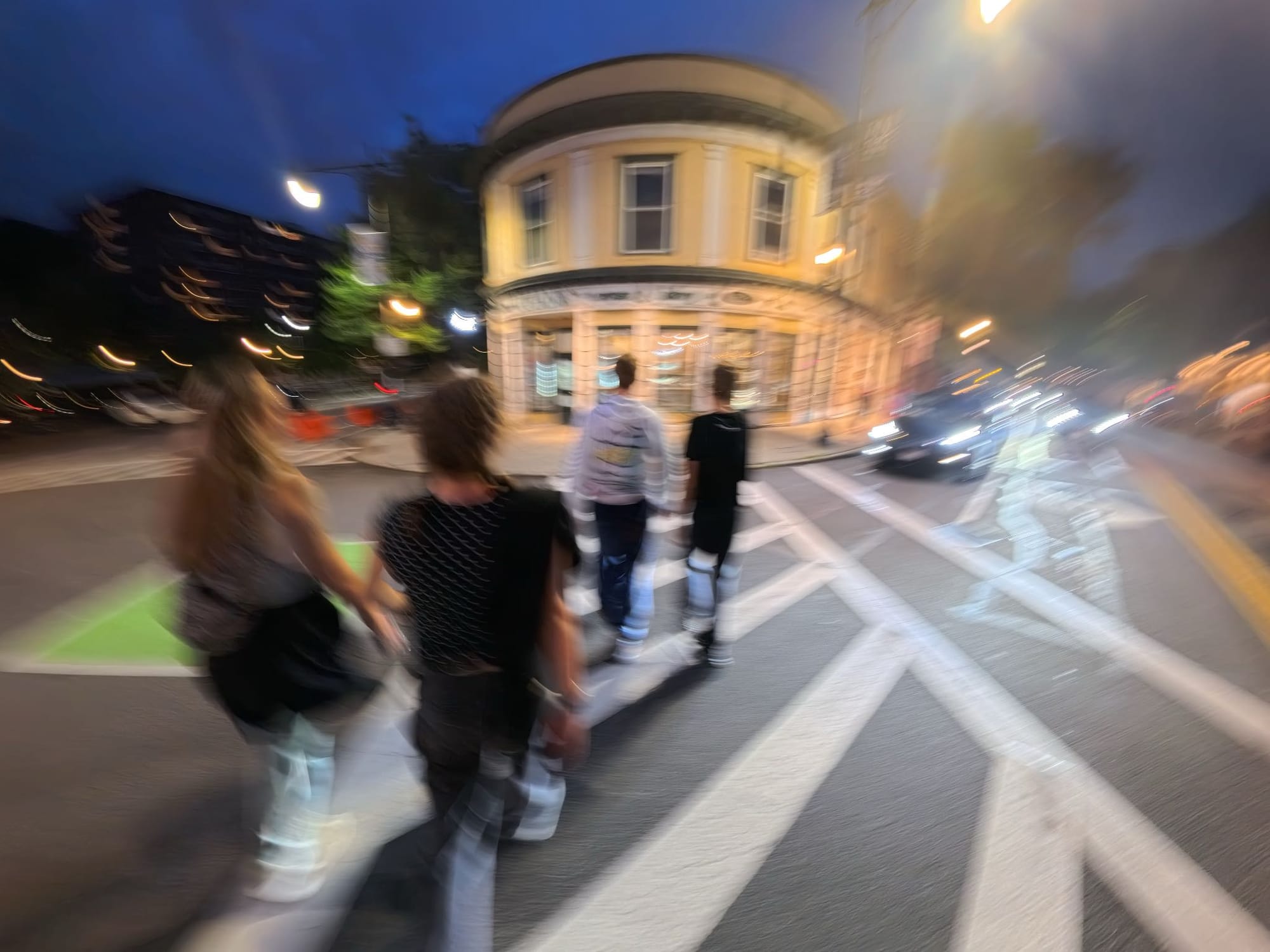
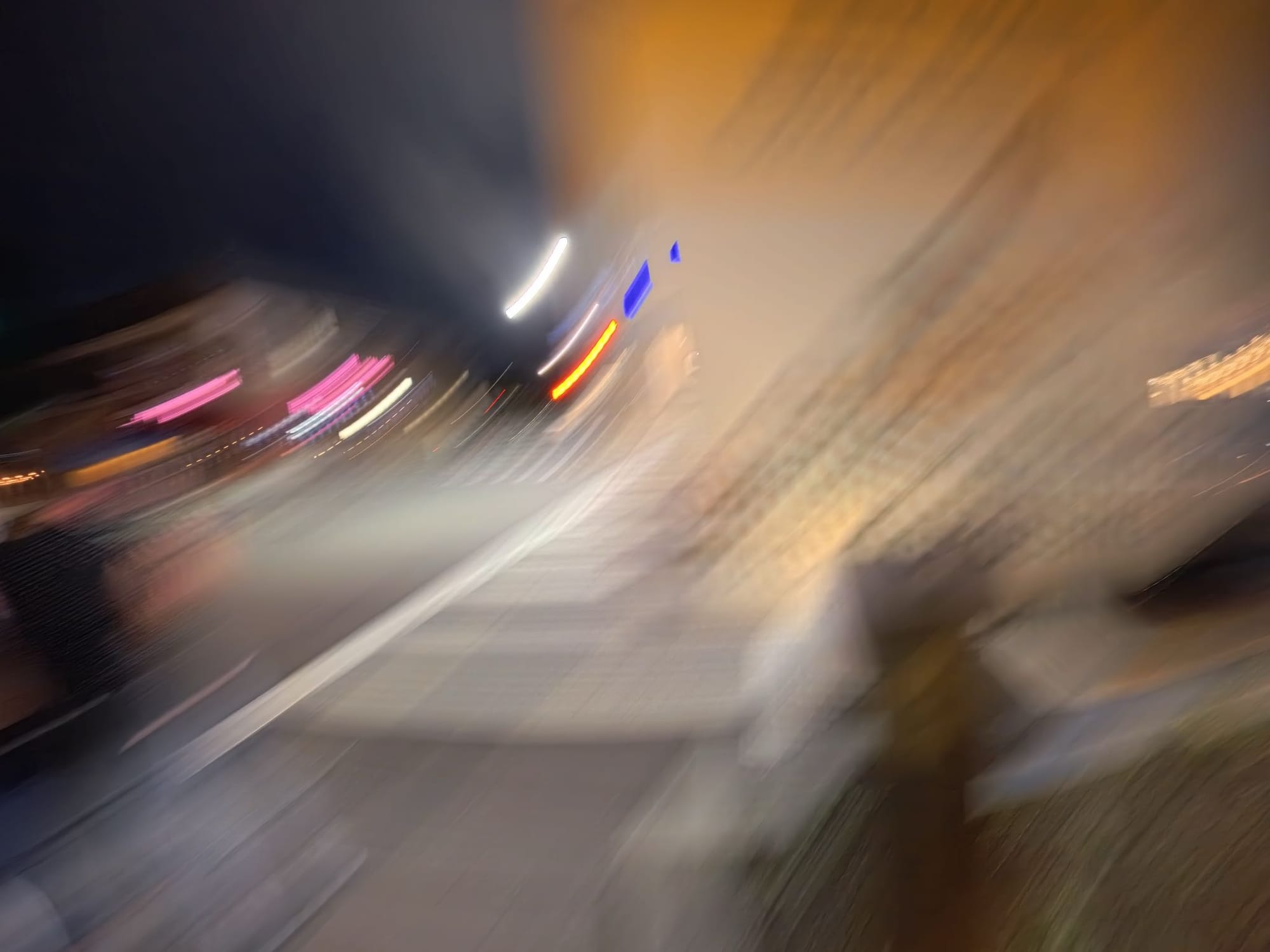
Images by Jason Cipriani
If I wanted to capture a shot, I needed to completely stop moving, frame it, and then press the shutter button. When I did that, the pictures I captured were clear, sharp and rather impressive.
Even after realizing I needed to slow down, I continued to capture blurry shots for the rest of the trip. I guess I'm too impatient.
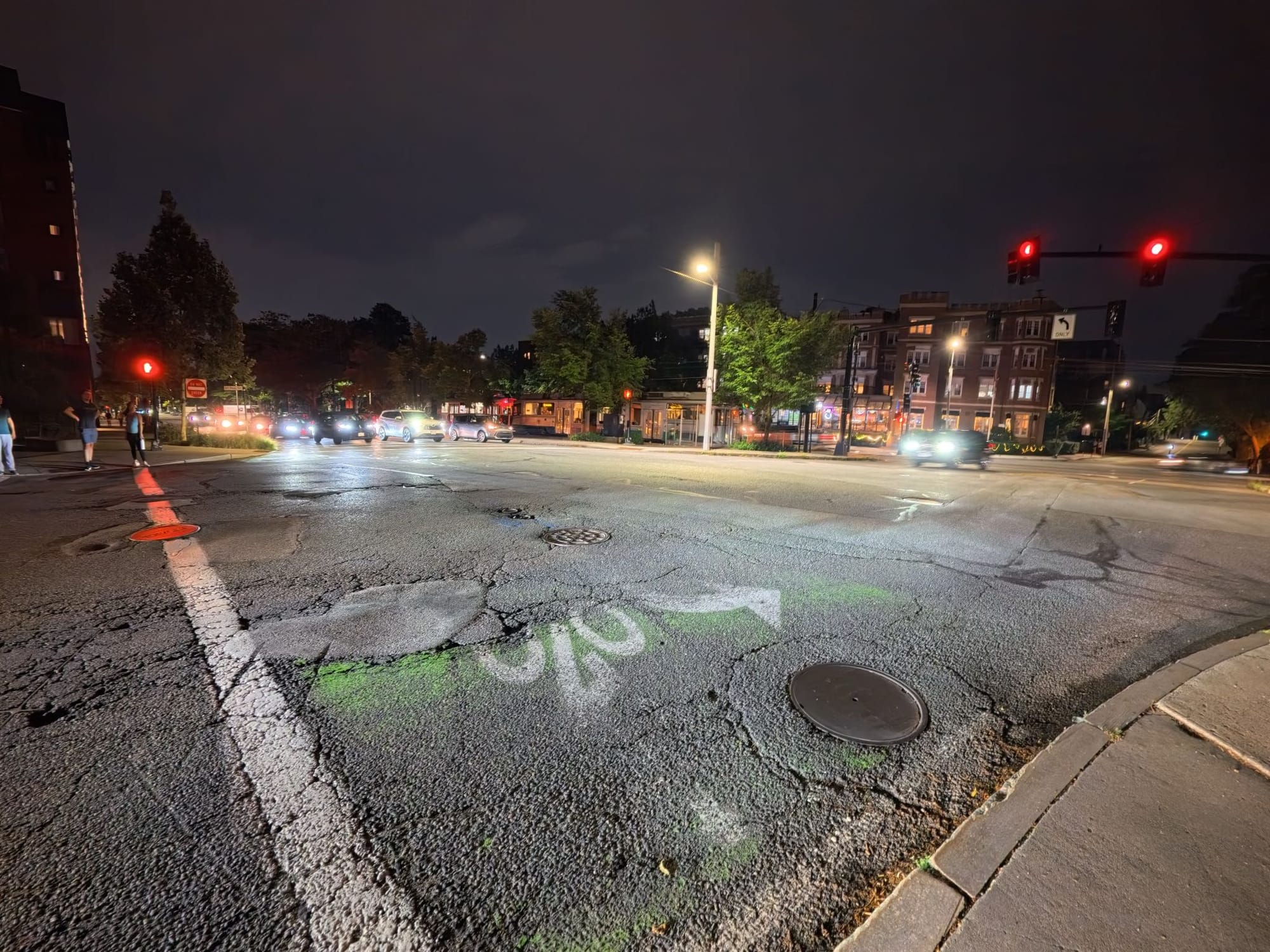
That said, when I didn't rush a shot, I was deeply impressed. The photos came out clear, sharp, and incredibly vibrant. In fact, one of my favorite images from the entire trip happened while waiting for a crosswalk light to change.
Here's a sample of more pics captured on the Ace Pro 2:
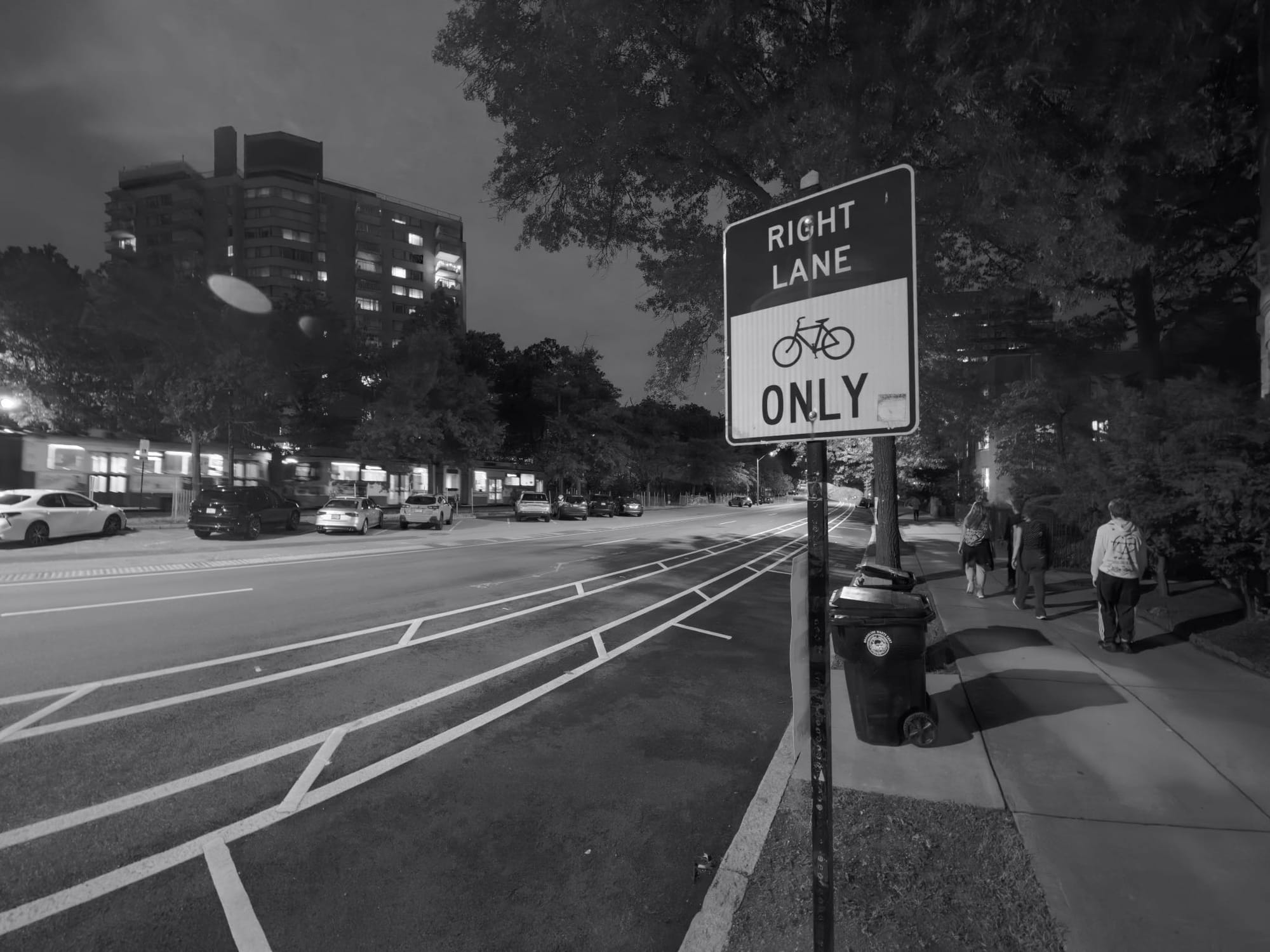
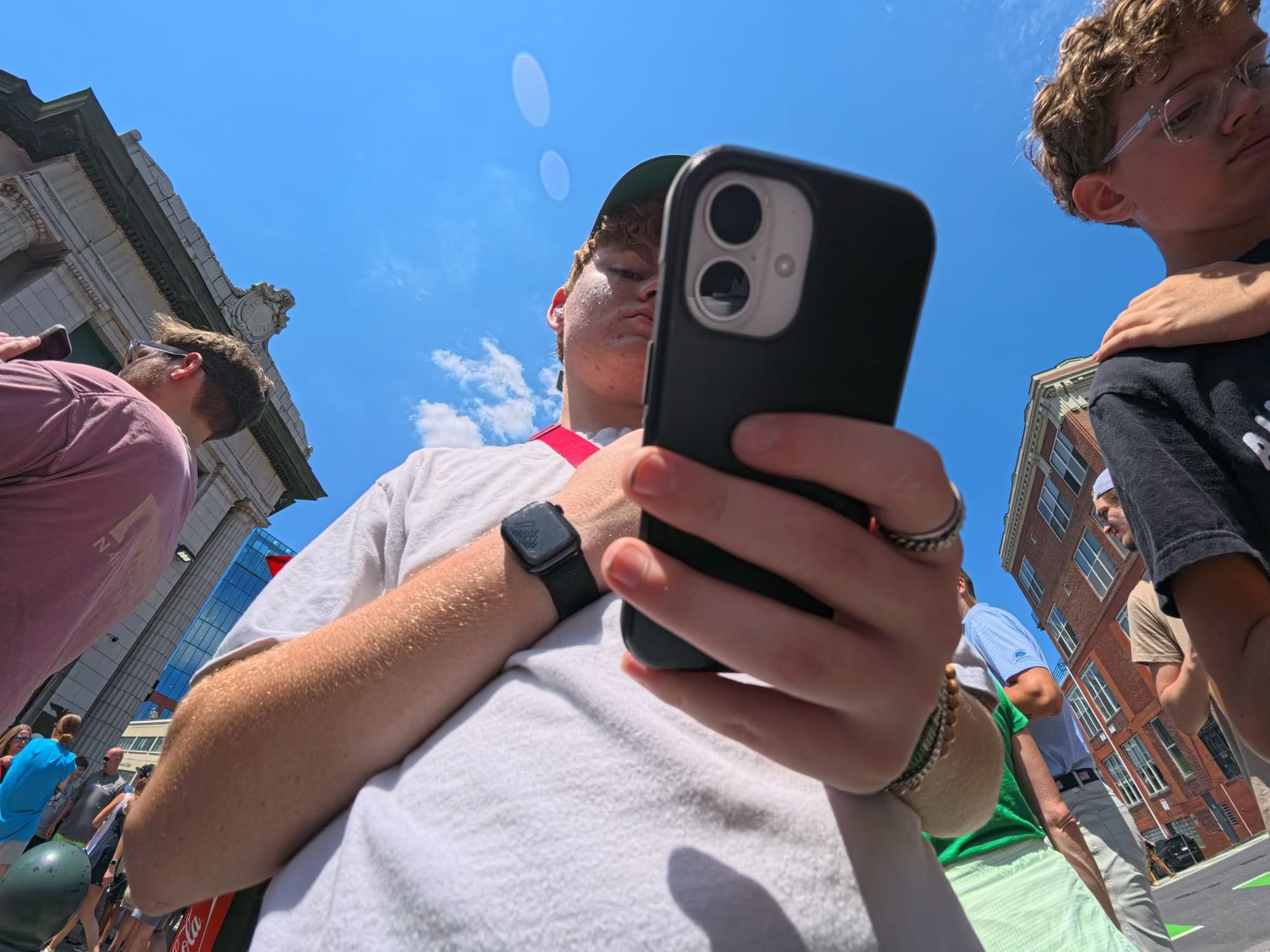
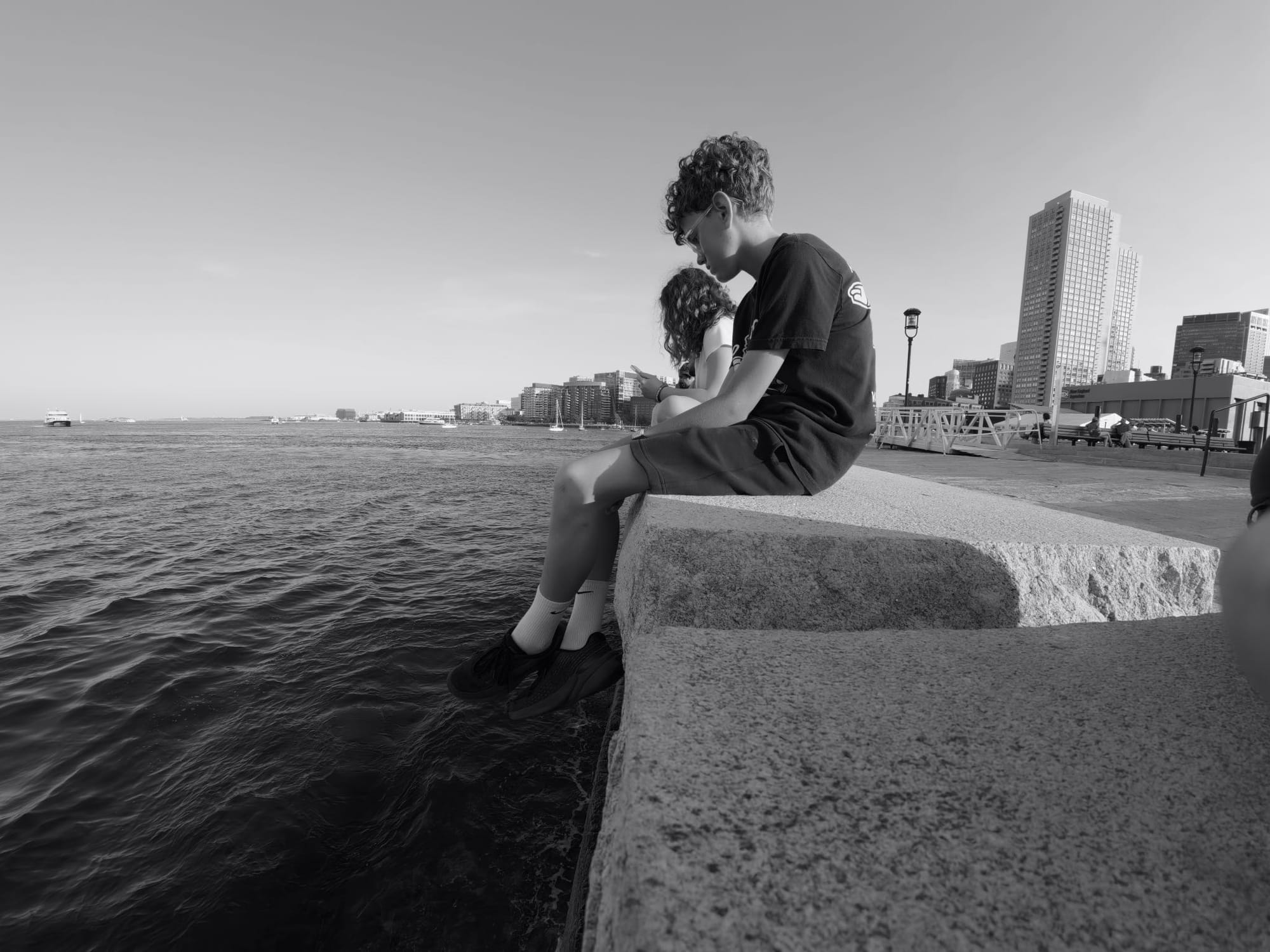

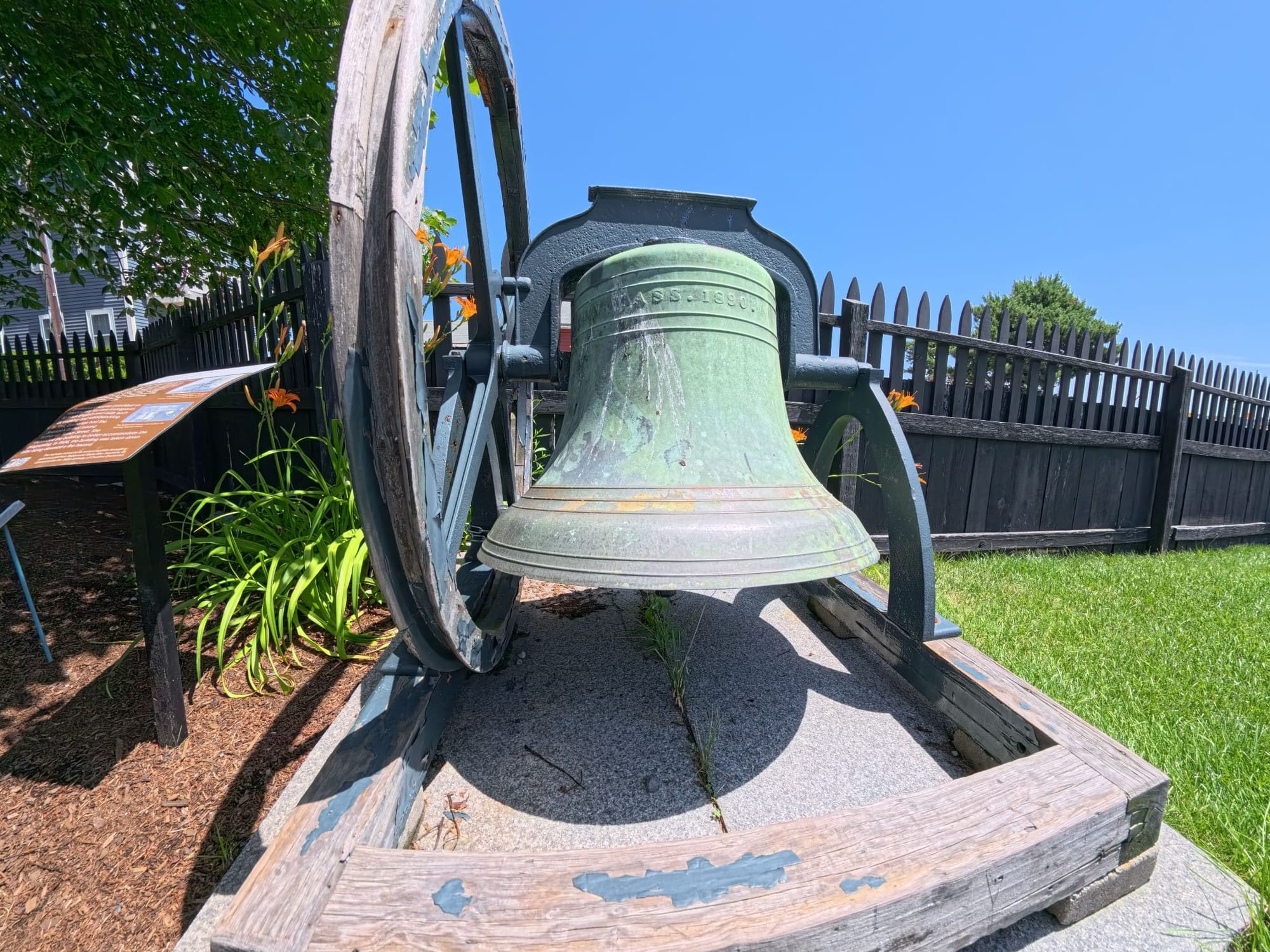
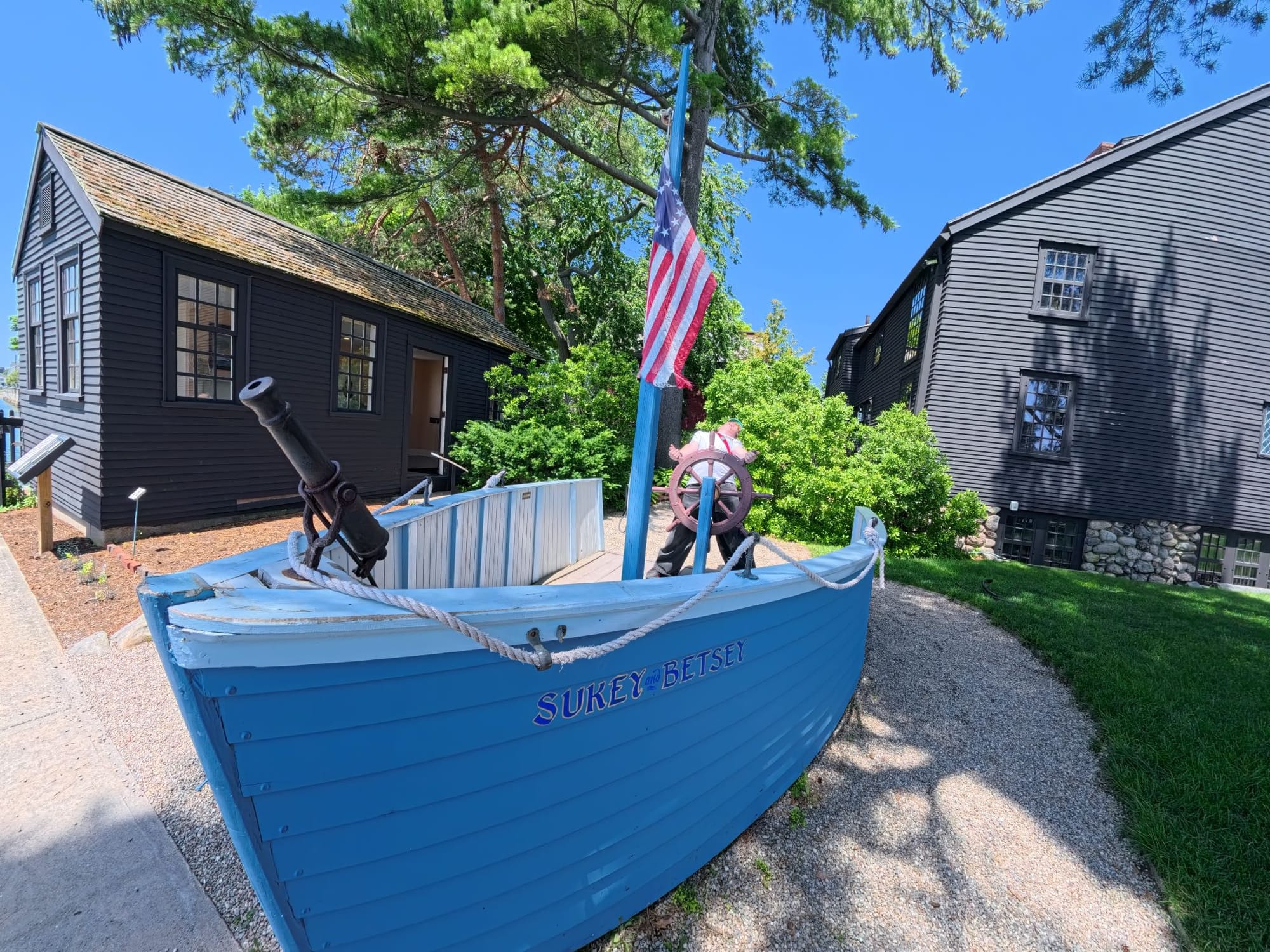
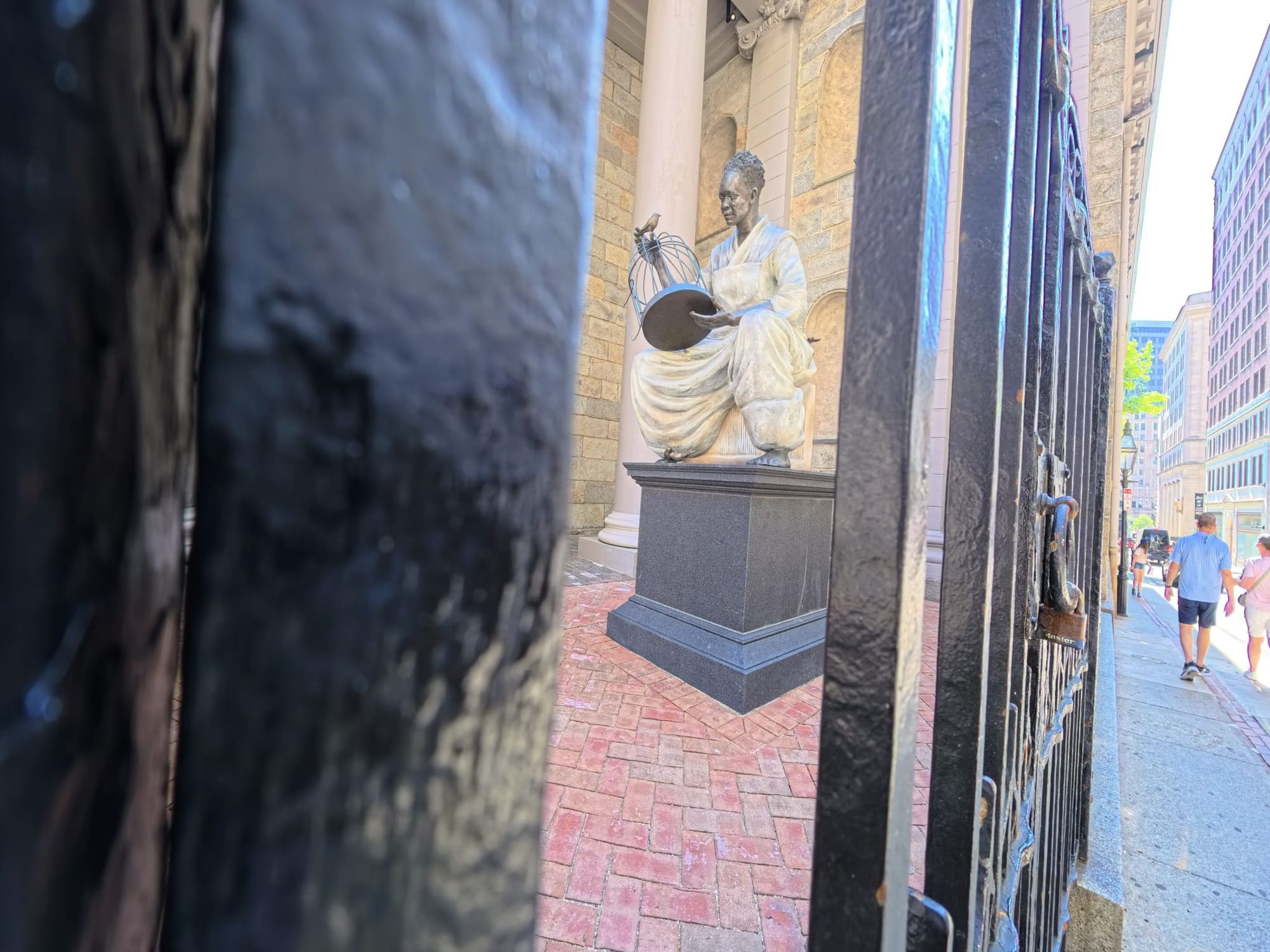

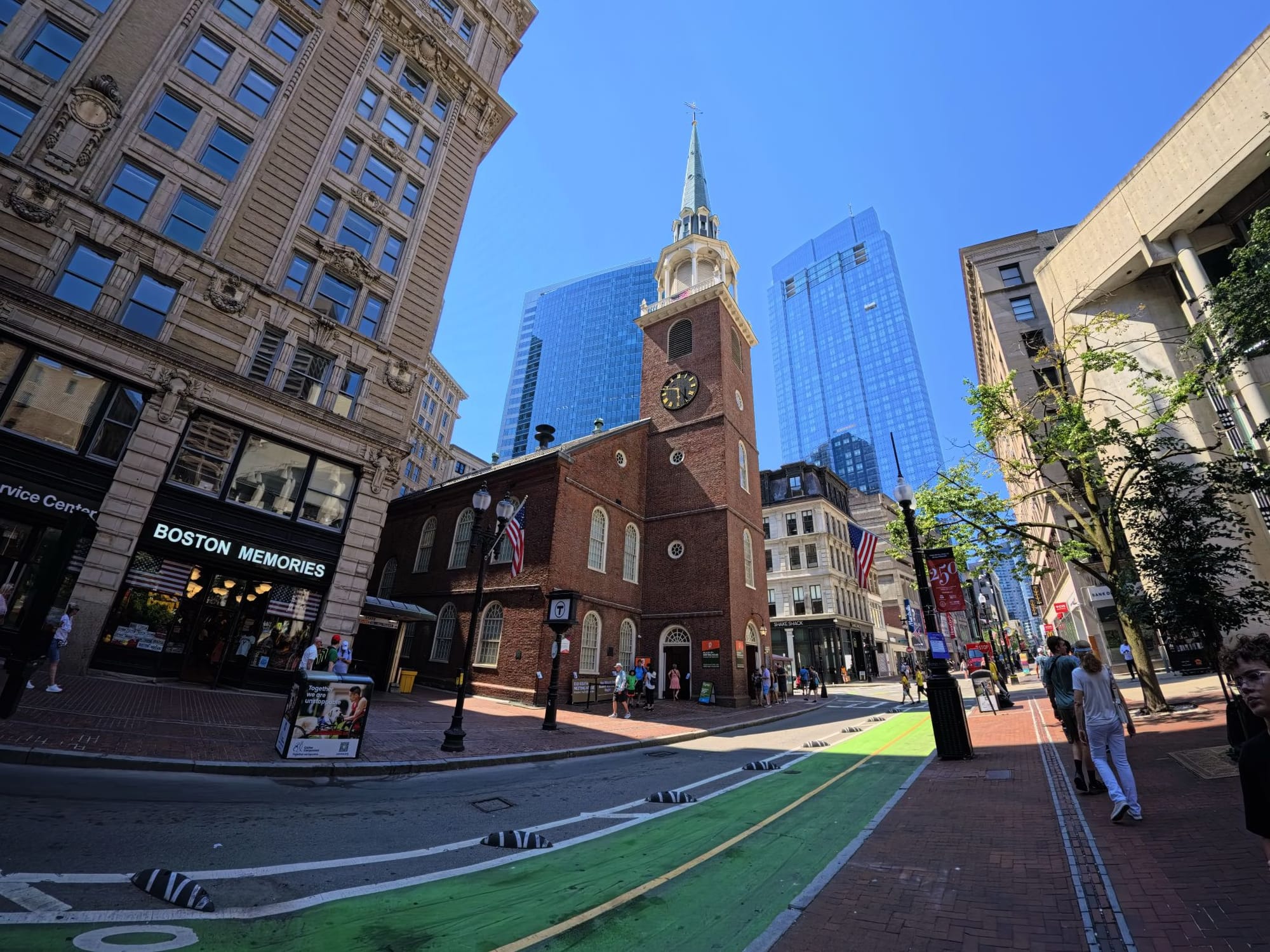
Images by Jason Cipriani
About halfway through the second day, it occurred to me that I'd been taking a lot of photos. Like way more than I normally do on a trip. Part of the reason, I'm sure, is because I was testing a new camera.
But I think the bigger reason was that the Ace Pro 2, when slotted into the Xplorer Pro Grip, felt like a traditional point-and-shoot camera. There's a dedicated shutter button, a zoom knob, and a dial to change settings or switch between filters without tapping and swiping on the camera's screen.
It's the first time I've used an action camera in a grip, and I totally get it now. I found myself randomly snapping pictures I would never have thought about taking my phone out for. Additionally, I spent more time framing the shot than I would have on the Ace Pro 2 (or any action cam) without the grip.
I was originally a bit puzzled by GoPro's new grip accessory for the Mission 1, but after this trip, I completely got it.
I don’t think I ever want to use another action camera without a similar accessory. The added versatility just makes sense.
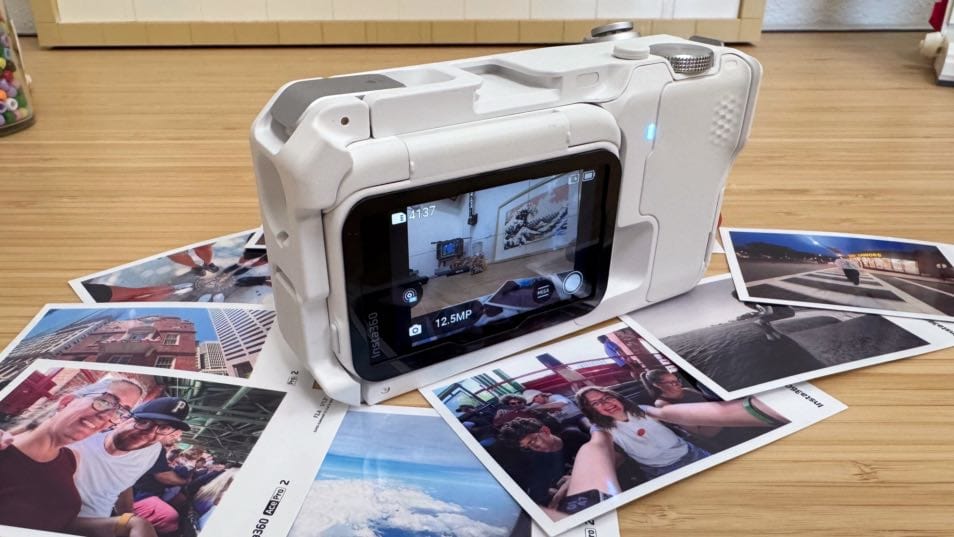
My theory about the grip was confirmed after I handed over control of the Ace Pro 2 to my kids for a couple of hours. I think they snapped over 100 pictures. They instinctively knew how to use it, from zooming in or out to switching between color filters (what I chose to set the dial to do) — they just knew.
When I've handed them a GoPro in the past, they either only took videos, or struggled with framing and then pressing the rubber shutter button on top of it.
Over four days and 300 photos later, I left Boston with a new appreciation (and a strong desire to go back) for a city I'd never visited. What a historic and welcoming place.
I also left with countless memories documented and a renewed excitement about taking a dedicated camera on trips. And for the foreseeable future, that camera will be the Ace Pro 2.