The Siri AI era is here — update your Apple devices today
Don't be alarmed by the dedicated Siri app on your home screen
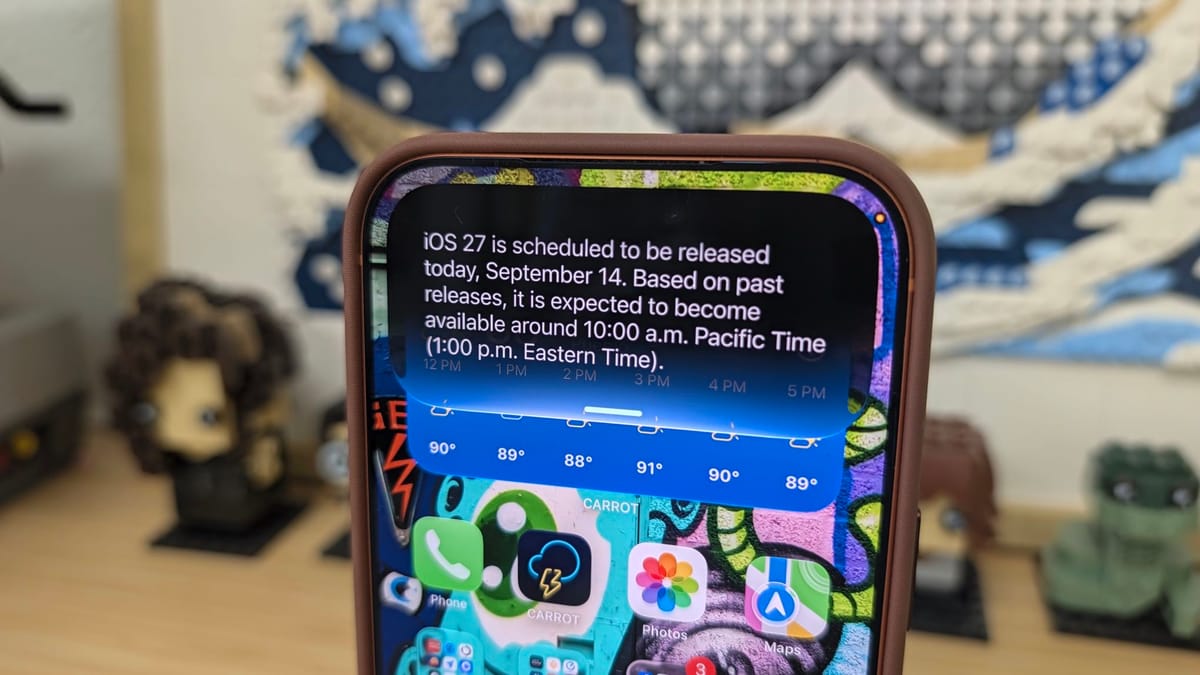
It's time to start mashing that update button on every Apple device you own. Apple just released iOS 27, iPadOS 27, macOS 27, watchOS 27, and similar updates for Apple TV and its HomePod lineup.
The headlining change and feature in the new operating system is Siri AI. Not only is Siri AI the new virtual assistant you talk to, but you can also chat with it like you would ChatGPT or Google Gemini in the new dedicated Siri app. I recently wrote about Siri AI for TechRadar, which covers my initial thoughts about the new feature after using it throughout the beta process.
The simplified approach is something many are going to appreciate, and I'd wager they won't even realize they're using more advanced AI tools and features — they'll just assume Siri got smarter. Better, even.
My favorite part of a new operating system, besides the initial beta install and obsessively tapping around to find hidden features, is when third-party apps update with support for new capabilities.
I'd wager if you go into the App Store on your iPhone right now and view your app updates, you have dozens of apps ready to update. I've already updated over 50 apps this morning and I haven't even finished drinking my coffee.
Some of my favorite apps that have already updated include:
- Carrot Weather that now includes an assistant layout tool that uses AI to create a custom app layout just for you.
- You can now ask Siri to check Flighty for updates on your flight, terminal, gate and any other information you'd want to know.
- Siri now knows your entire schedule in Fantastical and can provide all of the details you'd ever want — just by asking.
One thing I'm going to have to get used to, or figure out if there's an additional setting for, is telling Siri which app to use. For example, if you want info from Flighty, you have to say "Ask Flighty, for XYZ."
I tried asking Siri about this week's agenda, assuming it'd default to Fantastical, but instead it used the default Calendar app.
I'm sure I'm just missing something — or maybe not. It's entirely possible that's how it's supposed to work. I'd think that Siri AI would be smart enough to know which app you want the information from, or at the very least ask you and then remember your selection going forward.
To update your Apple devices, you'll need to dive into Settings > General > Software Update and follow the prompts.