Android's new sideloading workflow makes total sense
It adds just enough friction it should be annoyingly effective.
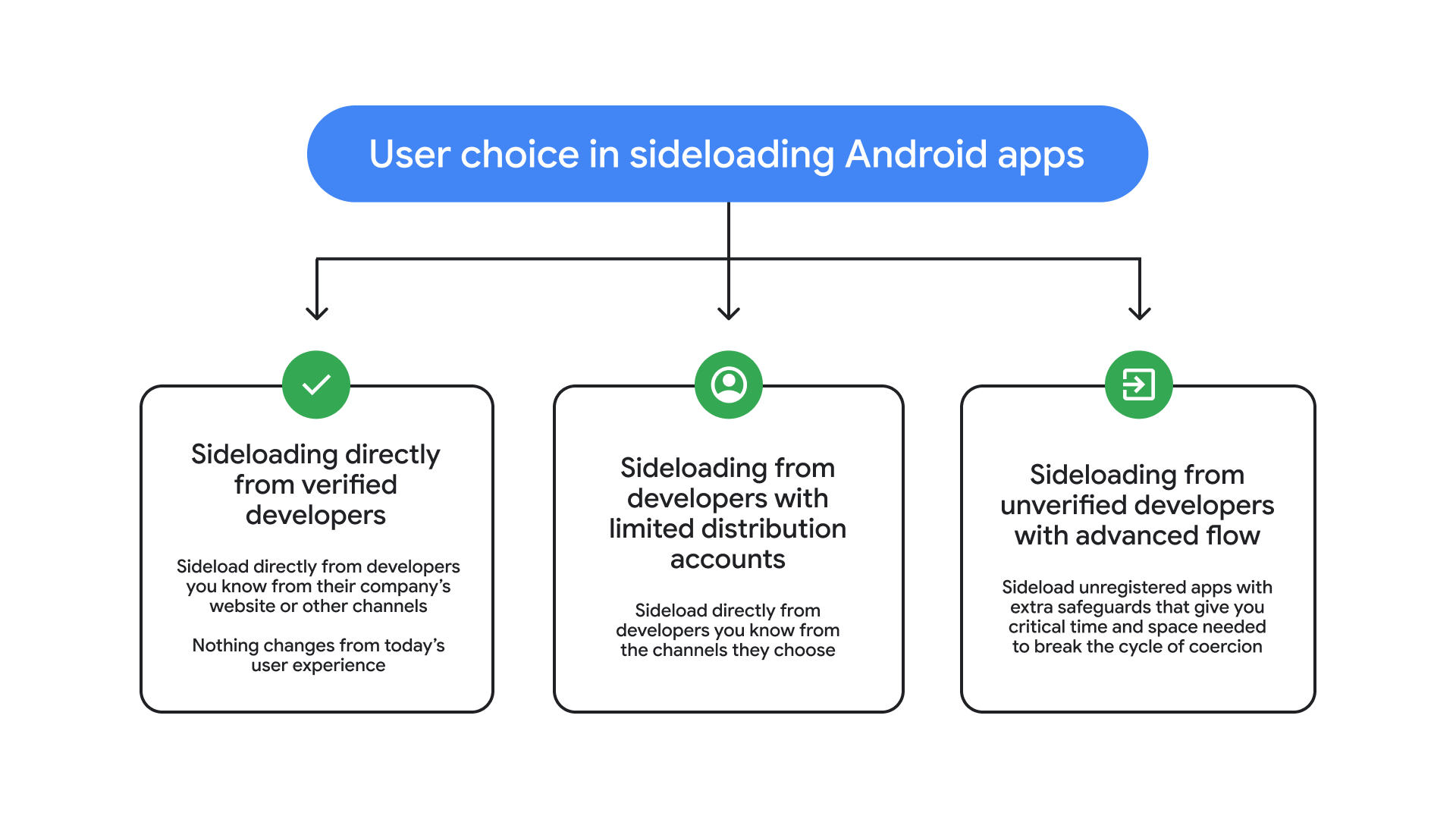
Google is making some fundamental changes to how the sideloading process works for unverified developers. Last week, on the Android Developers Blog, the new process was laid out. Here's are the steps users will have to go through, according to the announcement:
Enable developer mode in system settings: Activating this is simple. This prevents accidental triggers or "one-tap" bypasses often used in high-pressure scams.
Confirm you aren't being coached: There is a quick check to make sure that no one is talking you into turning off your security. While power users know how to vet apps, scammers often pressure victims into disabling protections.
Restart your phone and reauthenticate: This cuts off any remote access or active phone calls a scammer might be using to watch what you’re doing.
Come back after the protective waiting period and verify: There is a one-time, one-day wait and then you can confirm that this is really you who’s making this change with our biometric authentication (fingerprint or face unlock) or device PIN. Scammers rely on manufactured urgency, so this breaks their spell and gives you time to think.
Install apps: Once you confirm you understand the risks, you’re all set to install apps from unverified developers, with the option of enabling for 7 days or indefinitely. For safety, you’ll still see a warning that the app is from an unverified developer, but you can just tap “Install Anyway.”
The new Android sideloading process comes after Google had previously announced it was killing sideloading of unverified apps altogether – something that, rightfully so, upset the Android fanbase. Under the old approach, all developers would have to undergo verification with Google before their app could be installed on Android devices, either through the Play Store of other means.
I don't often sideload apps, especially from unverified developers – actually, I don't know if I've ever sideloaded an unverified developer's app – but Google found itself in a tough spot between honoring Android's "openness" battle cry while also increasing the security of its platform.
And I think Google nailed it. This setup is a fantastic compromise. In fact, I'd love to see Apple adopt something similar.
The 24-hour wait period only occurs once, and while inconvenient if you want to install an app in that exact moment, will surely prevent scammers from taking advantage of would be victims.
As for verified developers, nothing changes – you can still sideload their apps as you've always been able to.
The new sideloading process will launch in August, according to the timeline on the Android Developers site.